
FitVibe: the AI outfit planner and closet organizer
FitVibe is an iPhone, iPad and Android app that turns your wardrobe into a digital closet, suggests outfits from the clothes you own, and lets you try them on virtually before you get dressed.
Free version · iPhone, iPad and Android · 30+ languages
How FitVibe works
- 01
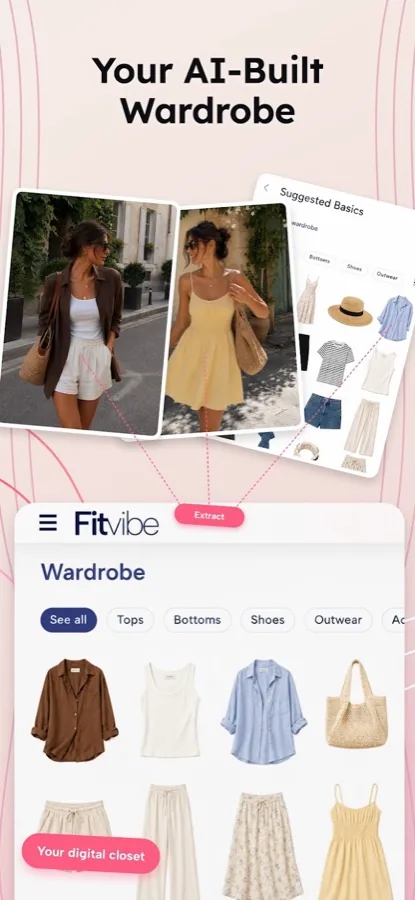
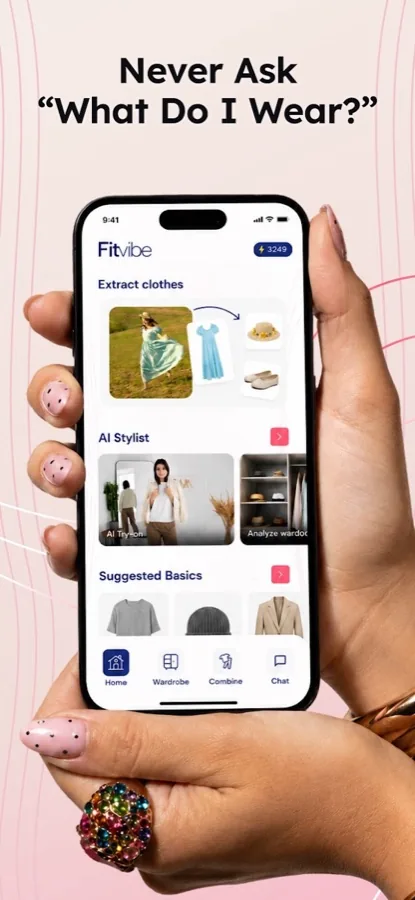
Scan your gallery
FitVibe finds clothes in the photos on your phone and adds them to a digital closet, with backgrounds removed and categories filled in.
- 02
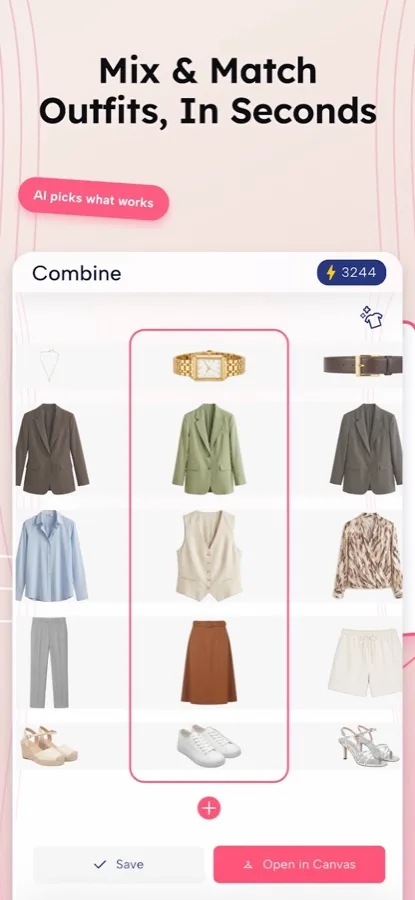
Get outfit ideas
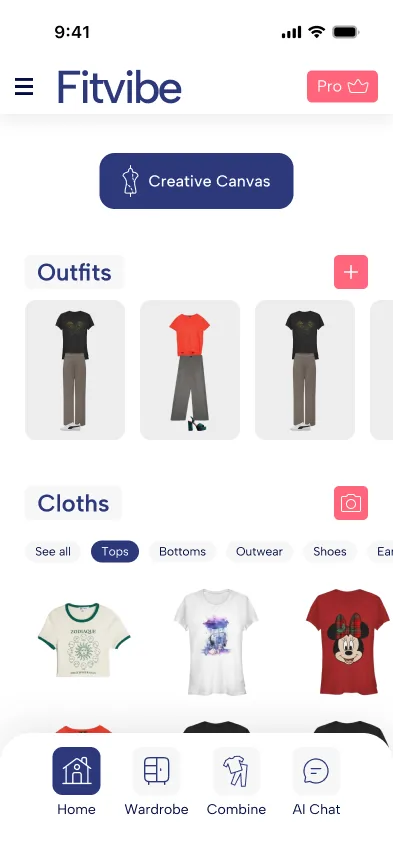
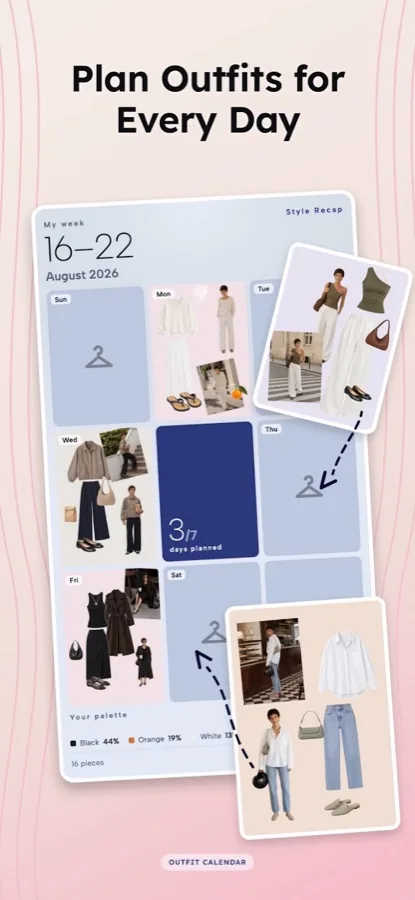
The AI stylist builds outfits from what you own for any occasion or mood. Plan them for the week on the outfit calendar.
- 03
Try them on
Upload one photo of yourself and see the outfit on you before you wear it, or try on clothes from a shop photo before you buy.

FitVibe features
Closet organizer
Scan your photo gallery to build a digital closet automatically, sorted by category.
Learn how it works →Outfit planner
Plan a week of outfits from the clothes you own and see them on a calendar.
Learn how it works →Virtual try-on
Upload one photo of yourself and see outfits from your closet, or clothes from any shop photo, on you.
Learn how it works →
AI stylist chat
Ask for an outfit, a wardrobe analysis or what is missing, and the stylist gets it done.
Wardrobe analysis
Gaps, duplicates and suggested basics: FitVibe names the pieces that would complete your wardrobe.
Creative Canvas
Compose outfit boards from your items, arrange them and share the look.
Weekly AI plans
Ask once and the AI fills your week with outfits from your closet, ready to adjust on the calendar.
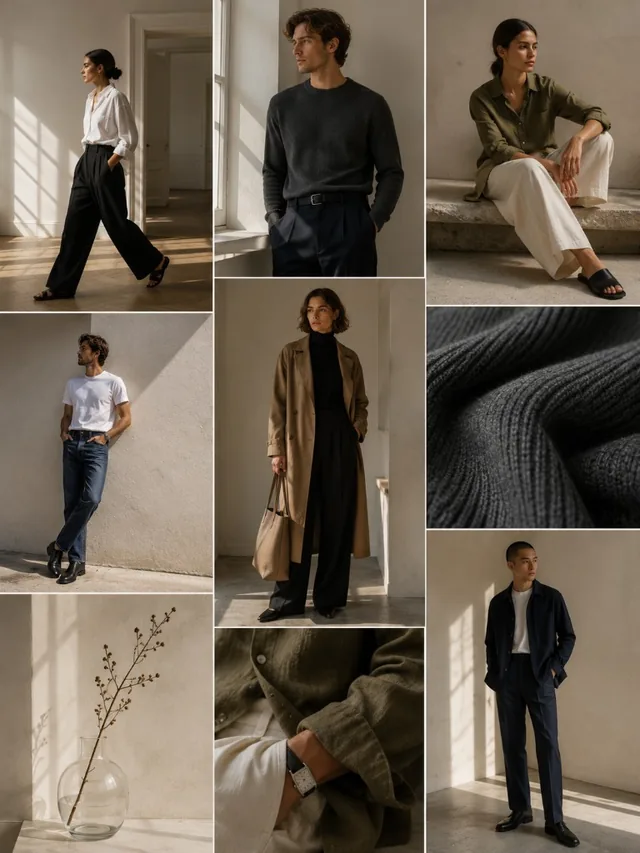
One closet, every style.
Streetwear: oversized fits, sneakers and bold layers.


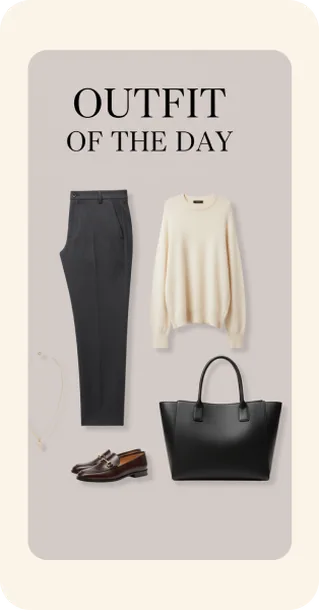
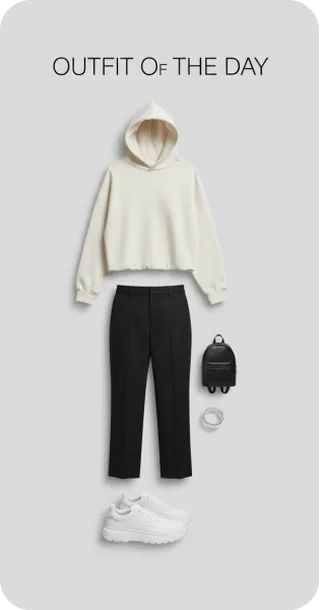
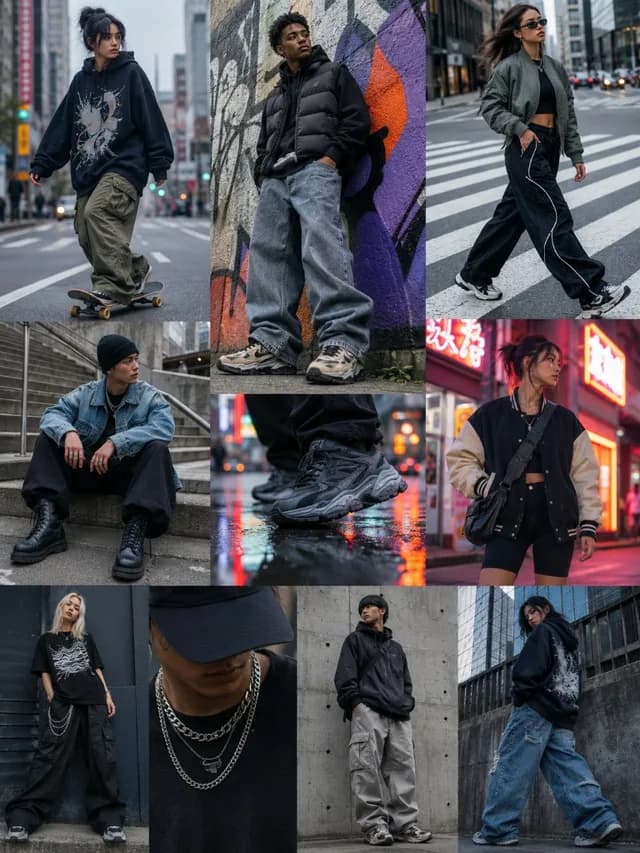 Streetwear · outfit of the day
See it on you first.

 After · generated try-on
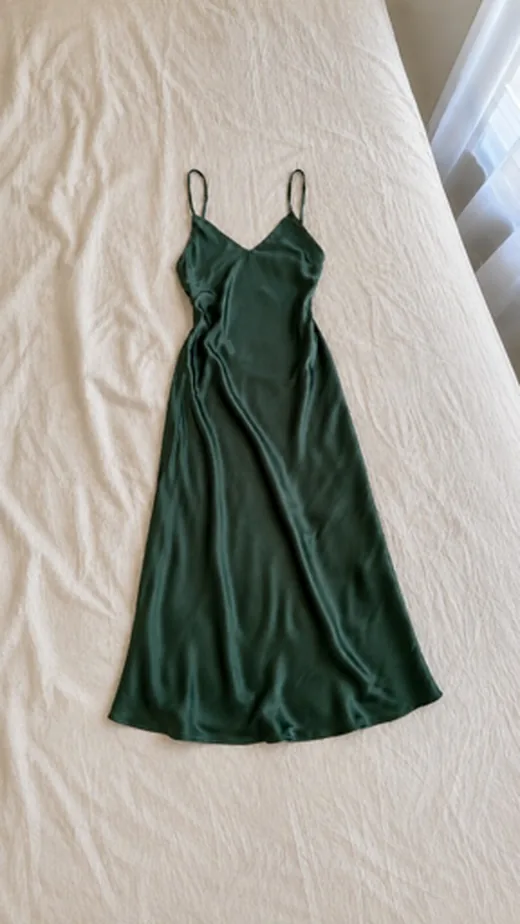
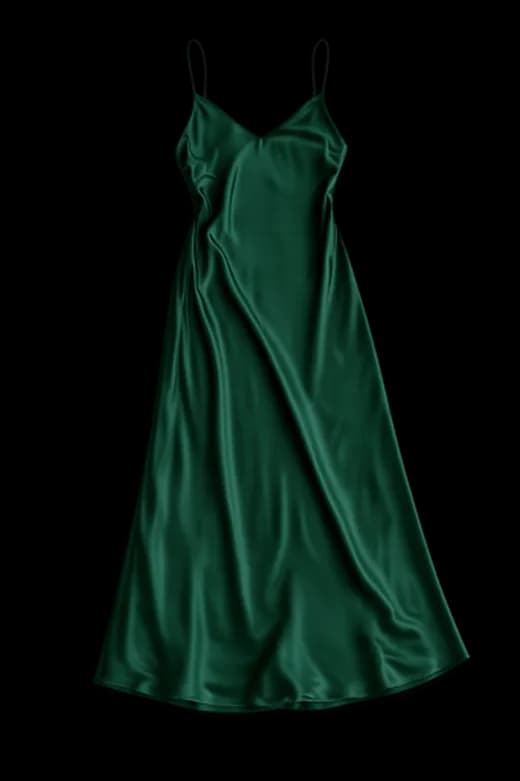
Photo in, clean cut-out.
See FitVibe in action
What people say about FitVibe
From the App Store
loved it!
“not a want, a need”
Amazing
“Super”
Who FitVibe is for
A full closet and “nothing to wear”
FitVibe shows you outfits you can make from clothes you already have.
Busy weekdays
Plan the week's outfits on Sunday and stop deciding every morning.
Unsure how a look will work
Try the outfit on a photo of yourself before you put it on.
Shopping online
Try a dress from a shop's product photo or a Pinterest find on yourself before you order it.
Building a smaller, better wardrobe
Wardrobe analysis shows gaps and duplicates, so you know what to keep and what to add.
FitVibe at a glance
| Feature | FitVibe |
|---|---|
| Platforms | iPhone and iPad (App Store), Android (Google Play) |
| Price | Free version; Pro subscription with a free trial; AI features use credits |
| Adding clothes | Photo of an item, photo of an outfit, or automatic photo gallery scan |
| Background removal | Automatic |
| AI outfit suggestions | Yes (Pro), from your own clothes, including weekly outfit plans |
| Virtual try-on | Yes (Pro, uses credits), on one photo of yourself; works with your closet or any clothing photo |
| Sharing | Share outfits and outfit boards |
| Offline use | Yes |
| Outfit calendar | Yes, with a week view |
| Wardrobe analysis | Gaps, duplicates and suggested basics |
| Languages | 30+ languages |
| Developer | bmnova; published on the App Store and Google Play by EverPixel |
How FitVibe compares
FitVibe is our app. Competitor facts come from each app's own website and store listings; click a name for the full, two-sided comparison.
| Feature | FitVibe | Whering | Acloset | Indyx | Stylebook |
|---|---|---|---|---|---|
| Price | Free version; Pro subscription with a free trial; AI features use credits | Free; no subscription. Pay-per-use credits for try-on, Enhance and gallery scanning | Free up to 100 items; paid subscriptions beyond that | Free; paid Insider membership; paid human stylist services | One-time purchase; no subscription |
| Android | Yes | Yes | Yes | Yes | No |
| Photo gallery scan | Yes, automatic, free | Yes, 1 credit per item digitised | Not listed (you pick photos yourself) | Not listed | Not listed |
| AI outfit suggestions | Yes (Pro): AI stylist, chat and weekly outfit plans from your own clothes | Daily outfit picks and shuffle; Whering says it uses its own styling logic, not AI | Yes: daily suggestions by weather and schedule, chat stylist | No; outfits come from you, friends or paid human stylists | Outfit shuffle; not described as AI |
| Virtual try-on | Yes (Pro, uses credits), on one photo of you, with clothes from your closet or any clothing photo (shop, Pinterest) | Yes, 1 credit per try-on, on a digital likeness made from one full-body photo | Yes, through an AI avatar created from your photo | Yes, “Virtual Selfies” on a real photo of you (Insider) | Not listed |
| Wardrobe stats | Wardrobe analysis (gaps, duplicates, suggested basics); no cost-per-wear | Yes: cost-per-wear, wear rate, colour palette and more | Yes: most-worn items, cost-per-wear, spending | Yes: cost-per-wear; analytics dashboard on Insider | Yes: cost-per-wear, closet value, most and least worn |
| Languages | 30+ | 6 (English, French, German, Italian, Portuguese, Spanish) | 18, including Turkish | English | 6 |
FitVibe questions
What is FitVibe?
FitVibe is a mobile app for iPhone, iPad and Android that turns your clothes into a digital closet, suggests outfits from what you own, and lets you try looks on virtually. It also has an outfit calendar for planning the week.
Is FitVibe free?
FitVibe has a free version: you can build your closet, including a full scan of your photo gallery, add items and plan outfits on the calendar. AI features such as the AI stylist, weekly AI outfit plans and virtual try-on are part of FitVibe Pro, which has a free trial, and use credits. Enhanced, higher-quality item images also use credits, but you can add items without them.
Can FitVibe scan my photo gallery for clothes?
FitVibe can scan the photos on your phone and detect clothing items automatically. You can build most of your closet from photos you already have instead of photographing every piece.
How does FitVibe suggest outfits?
FitVibe's AI stylist builds complete outfits from the clothes in your digital closet. You describe the occasion, the mood or the style you want, such as classic, minimalist, romantic or streetwear, and it builds the outfit from what you own. AI styling is part of FitVibe Pro.
What is virtual try-on and how does it work in FitVibe?
FitVibe's virtual try-on shows an outfit on you before you wear it. You upload one photo of yourself, such as a mirror selfie, pick an outfit, and FitVibe generates an image of you wearing it. Try-on is part of FitVibe Pro and uses credits.
See all answers in the FitVibe FAQ.
Never “nothing to wear” again
Download FitVibe free and start building your closet today. Available on the App Store for iPhone and iPad and on Google Play for Android.